
The themes define the overall look and structure of the website and the theme settings let you set colors, fonts, and add content such as images and text.
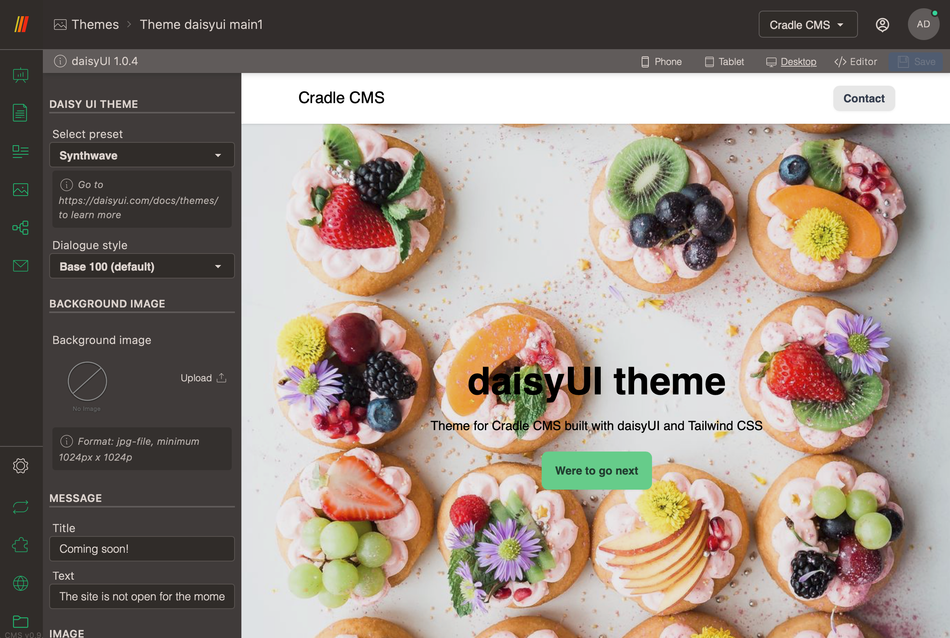
All themes have different settings but commonly the theme settings will allow to add content and settings such as:
- Header and footer, navigation and options.
- Index page content.
- Restricted page for a closed site content.
- Color settings.
For specific settings see guides on default CMS theme or eCommerce theme
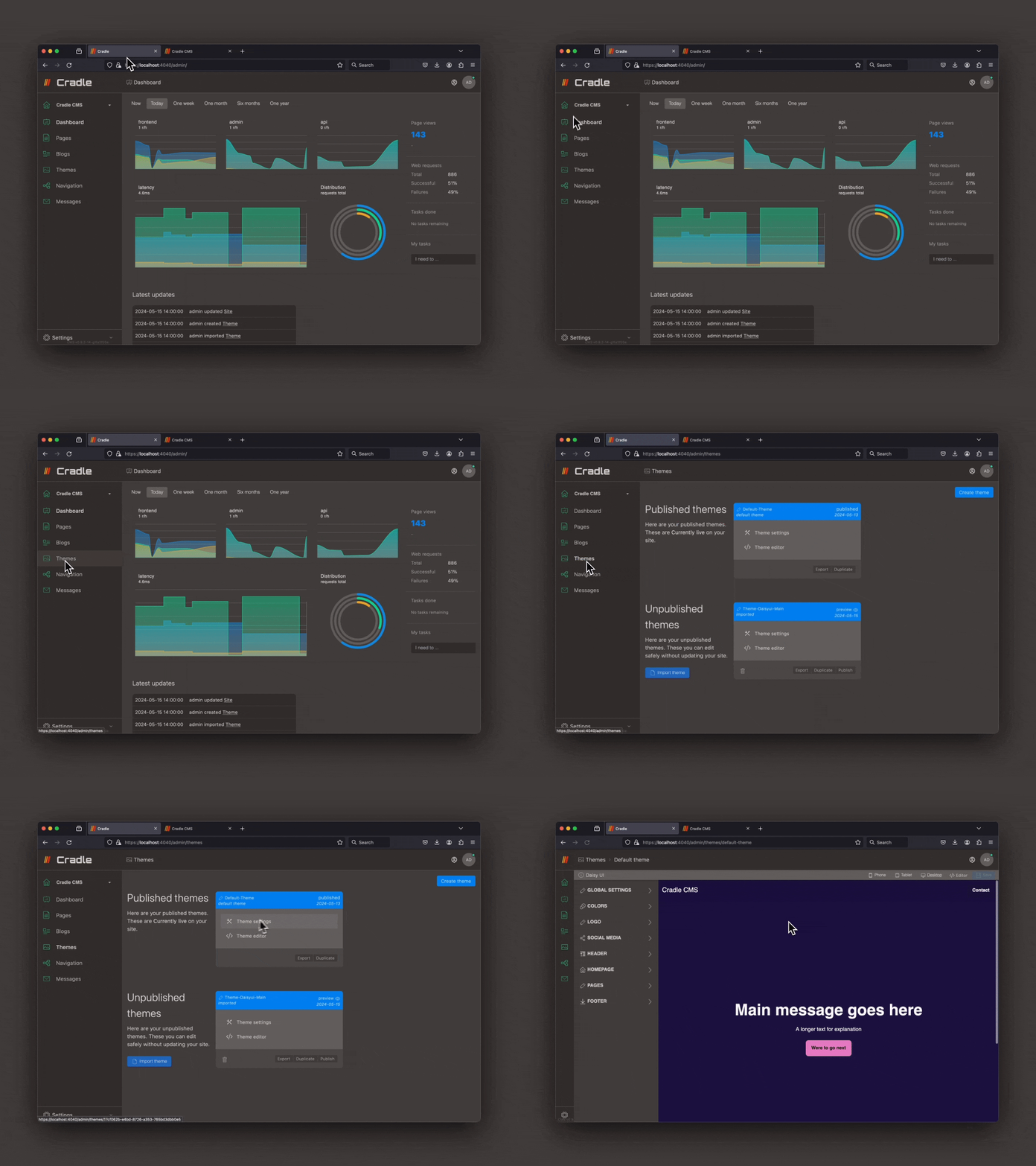
Themes are located in the left-side menu. In the Themes view published and unpublished themes will be listed.
Update theme
A theme can be updated to the latest version on Github if the theme has a link to a public repository. The update keeps all the files in the media catalog, theme settings as well as added files.
Steps in video
Duplicatethe active theme- Press
Updateon the theme which was just created. - Check the updated theme by viewing it in the theme settings preview or open in the browser.
Publishthe theme.
Adding themes
You can find themes at our Cradle CMS Github.
Themes can be added by uploading a zip-file or by installing from an URL.
Upload theme
With the upload button you can import a theme in the format as a zip file.
Install from URL
It is possible to add a theme by using an URL to a zip file or a github repository.
Modifying theme settings file
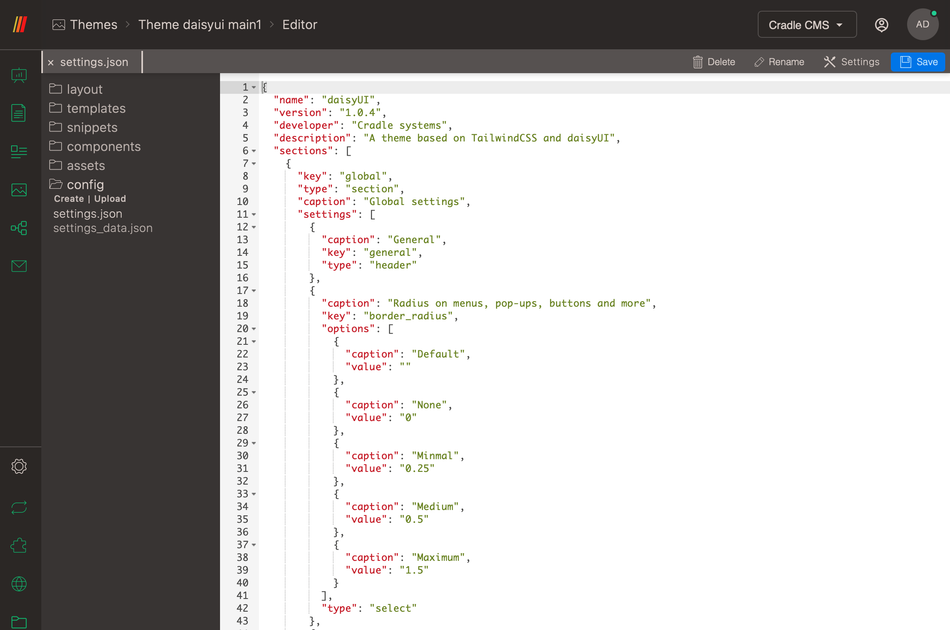
config.json file.
All themes have open code access and can be modified in the code editor built in to Cradle CMS & eCommerce. In the Theme editor the file settings.json in folder config contains all the information to build the theme settings view, more on the possibilities.