Cradle CMS has multi language support built into the admin. It not only works for translating content but also for the url routing which is better for geo-targeting (SEO). To setup a new language open the Language settings in the admin and click on the Add language button.
You also need to enable an added language before it’s active on your site and correspondingly you can disable an active language to make it disappear.
When you have a missing
translationit automatically falls back using the sitemainlanguage.
Translating content
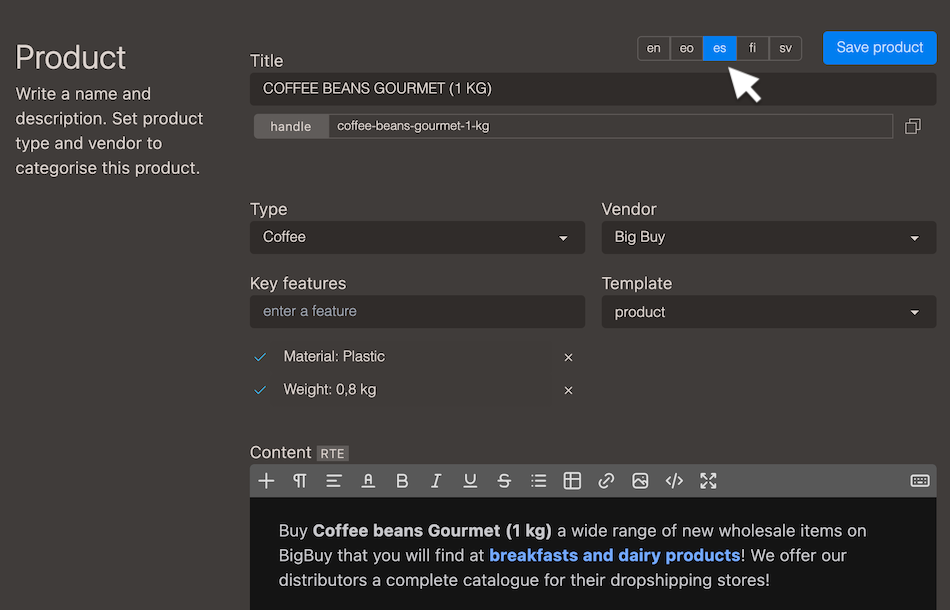
In a multi language setup you can easily switch between the different languages to translate your content, title, url slug (handle), image alt texts and meta data etc.
Translating navigation
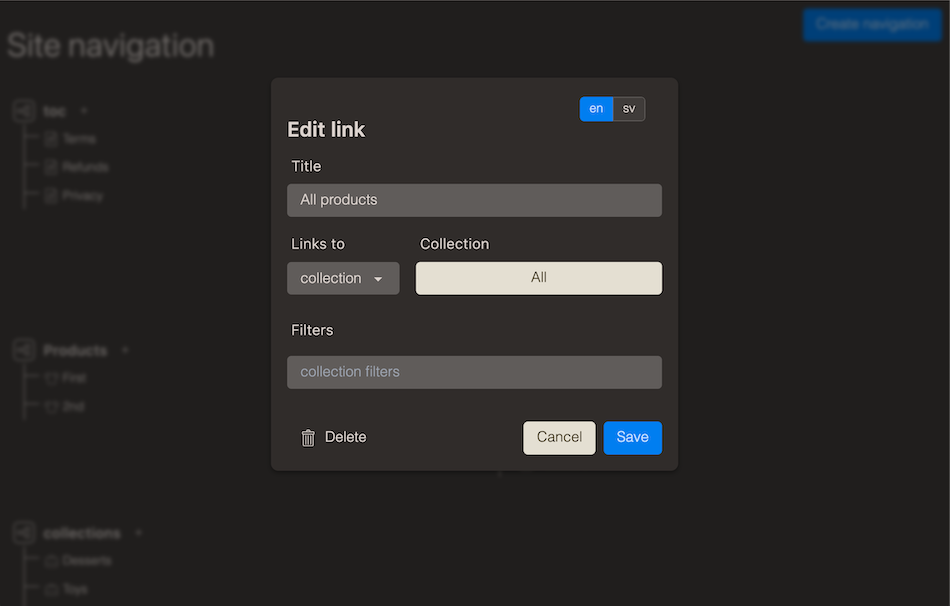
Your site navigation and link lists can also be translated when editing the link element.
Translating themes
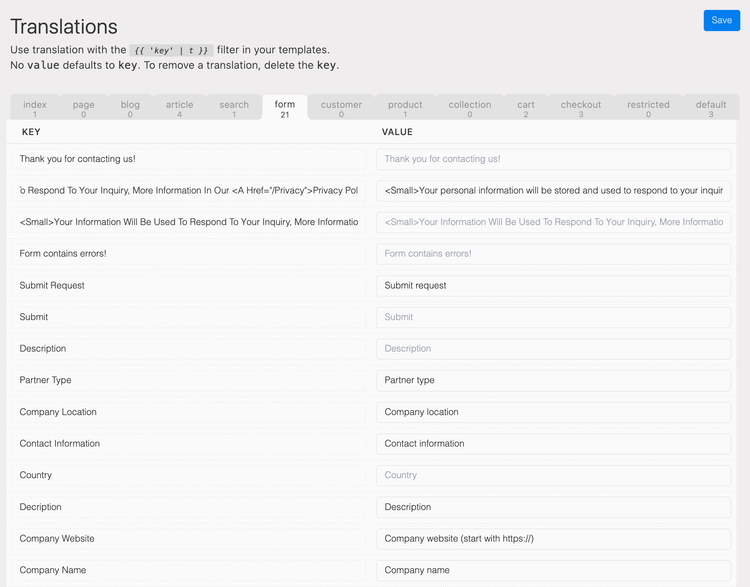
You can add translations to your theme files or templates by utilising the translation filter | t. As an example, on a Call To Action button you might use buy now in your theme file and the translation can then be edited in the Languages settings in admin. Translations are context bound, so a buy now button can have different text or meaning depending on where it’s used. So in a product context the translation key used is found under the product tab.
You can declare context on a translation by adding the context name as an argument to the translation filter.
buy nowis specified to be for theproductcontext.
Translating forms
The forms built in the system can be translated under Translations.