
LLMs can quickly create a basis for a landing page that can be added into the system.
Step 1: Prompting the page
In this guide we use Thaura.ai to generate a landing page as it usually generates stand-alone code easy to add into a page in Cradle CMS.
Provide the bulk content for the page as the suggestion will be more accurate from the start.
Prompt: “Generate a landing page from this content” and paste in the content in the prompt window.
If the suggestion is good enough and only minor tweaks to the content is needed ask for the code.
Step 2: Add the code into a page
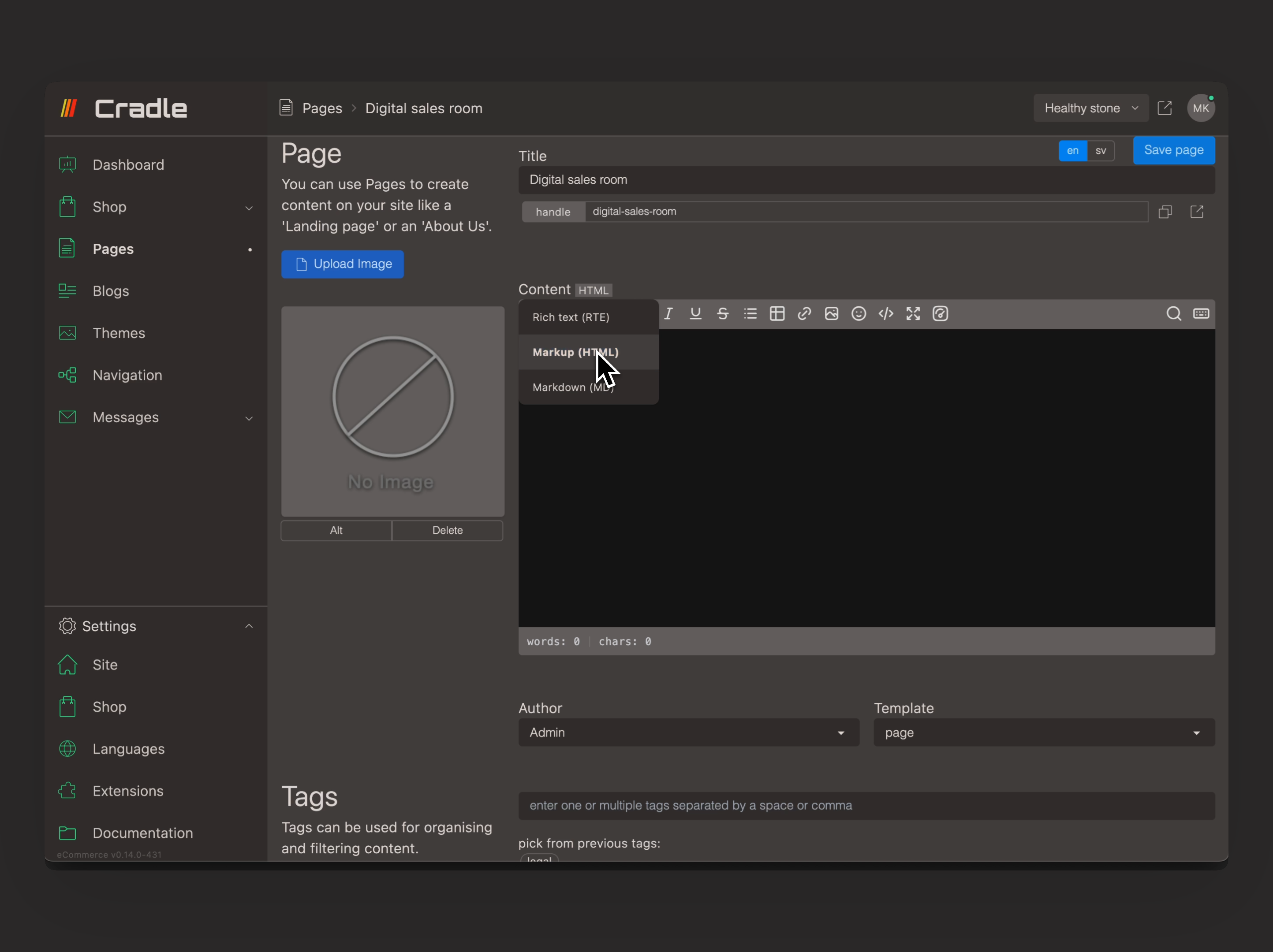
- Create a page in Cradle CMS.
- Change to the HTML content editor.
- Copy the code in Thaura and paste into the editor.
Step 3: Modify the code
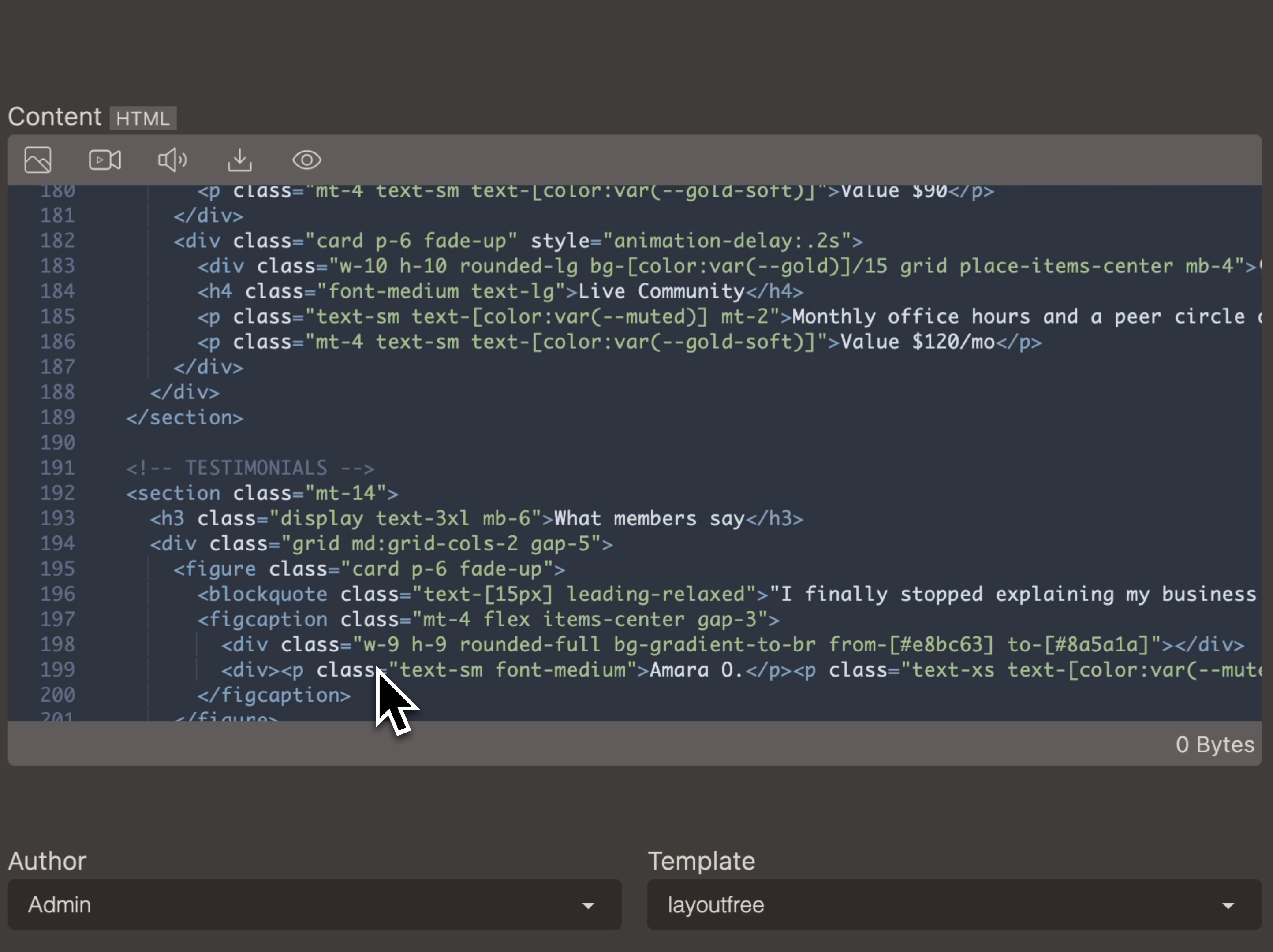
- View and remove unnecessary code.
- Remove
<head>tags and the content within, except for the<style>tags and the content inside them. - Remove the
<body>tags around the content, but keep the content. <script>tags and the content within them should be kept.
- Remove
- Choose page template. Note that all themes has different page templates, read the documentation to know which one to use.
- Preview the page.
The code can be further modified in the HTML editor.
Considerations
- It is also possible to use the layoutFree template and keep all the code. This however means that the information from the system, such as meta titles, descriptions, cover images will not be used.
- A new page template can be created in the theme and the information in
<style>and<script>tags can be added as files in assets instead.