
A website usually contains pages and blogs with articles. Pages are used for statical content whereas a blog is great for reoccurring content.
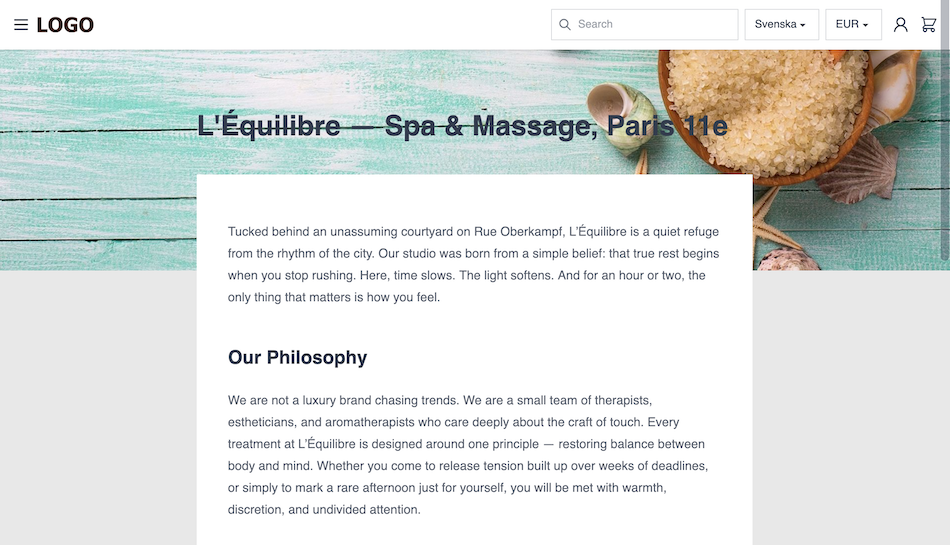
Add a page
- Go to
Pagesand chooseCreate a page. - Add a title to the page and hit
Save. - You can now start to add the content or change the editor style.
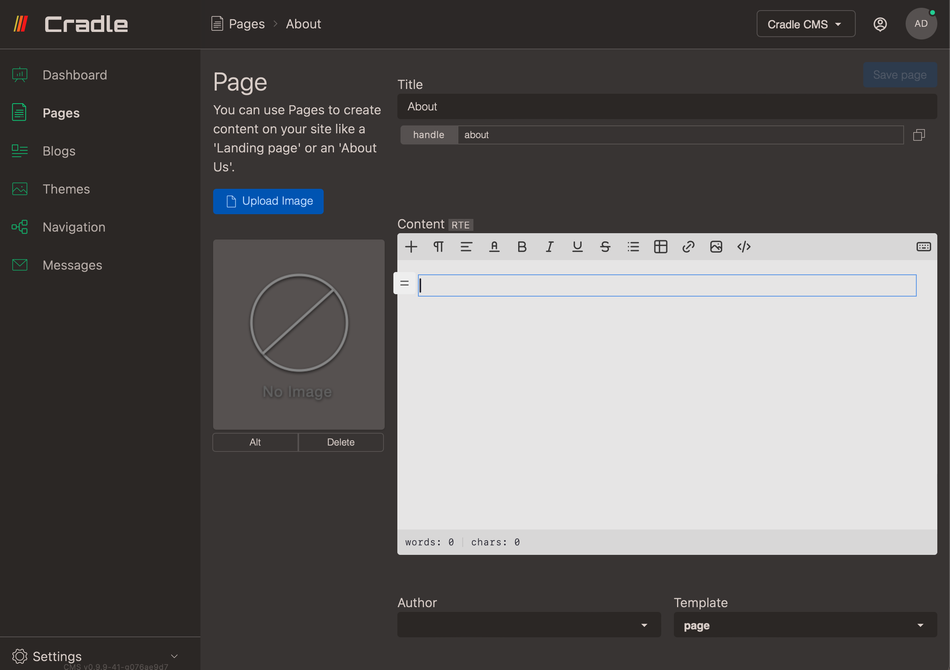
Page settings
A page has built-in settings in admin such as title, content fields and image.
Title
Internal title for page
Handle
Editable handle for the page
Preview
A copy URL and view/preview button. If the page is unpublished a preview is shown.
Image
Image with alt text support can be uploaded
Content
Body content editing section with three editor options.
Author
Author picker.
Authors are added under /Blogs/List authors, read more in Author guide.
Template
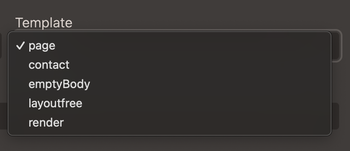
All themes can have optional templates for pages.
Tags
Tags for internal purposes, theme logic or to be displayed on website.
Meta fields
Meta fields for SEO and h1 heading
Visibility
Publish, unpublish or set publish date.