There is built-in support for web components placed under the theme files folder components.
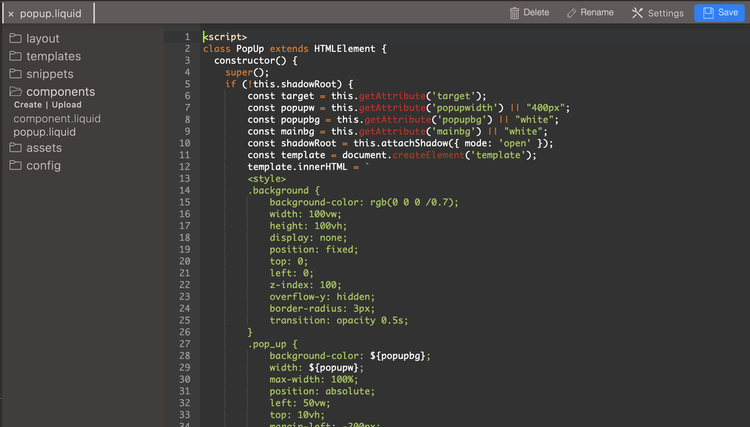
Include the component code to the template using {% component '<component file name>' %}.
Example
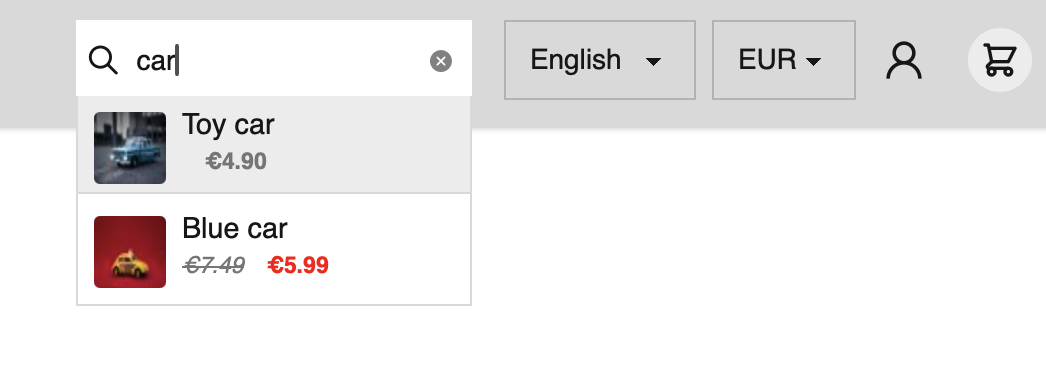
- Autosearch is a web component that adds live search functionality to your site.
From the component repository copy the asearch.js file into your themes components folder.
Include the component file to your theme template template using {% component 'asearch.js' %} and then render the search field however you like inside a <a-search> tag.
Autosearch listens on input and keydown events on the wrapped input text field and then renders a dropdown list containing the search results.
Search options
search options can be passed in as attributes on the <a-search> tag.
| attribute | example | meaning |
|---|---|---|
| include | products,pages,articles | entities to include in the search |
| filter | title,id,handle | filtered result fields |
| tags | red,green,blue | optional matching tags |
| delay | 100 | search throttle delay in ms |
| chars | 3 | characters before searching |
| limit | 20 | limit number of results |
| truncate | 100 | truncate search result titles |
How to use
{% component 'asearch.js' %}
<a-search include="pages,articles,products" filter="title,image,featured_image,price,compare_at_price">
 <input type="search" placeholder="Search" />
</a-search>