In Navigation link-lists for menus on the site is created. The link lists can consist of links to pages, blogs, articles, other link-lists and in the case of eCommerce product and collections. It is also possible to add links to exteral or internal URLs manually.
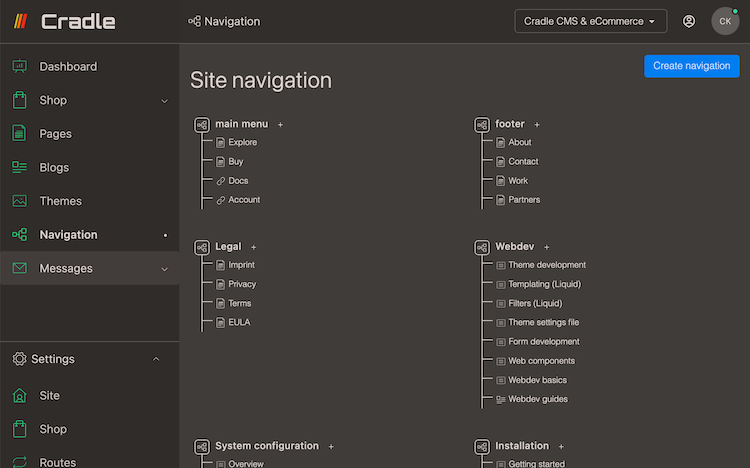
- Add a list by pressing button
Create navigation. - Add links in the list.
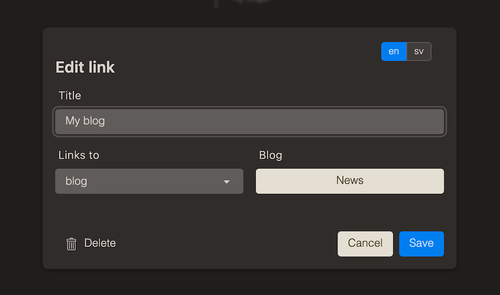
| Link type | Description |
|---|---|
| link | Add a external or internal link manually |
| page | Link to page |
| blog | Link to blog |
| article | Link to article |
| navigation | Link to another link-list |
| product | Link to product |
| collection | Link to collection with possibility to add filter |
Add to website
Link-lists are added in Theme settings, which are opened in Themes for both published and unpublished themes.
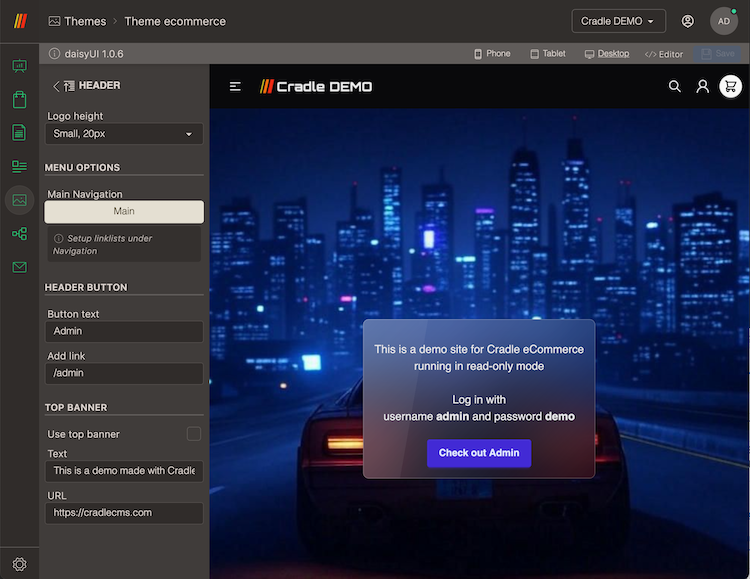
Navigational lists can be used on the website and can be added in the theme settings. Commonly there is a main menu shown in the top and a footer but link lists can be used in various ways.
Translation
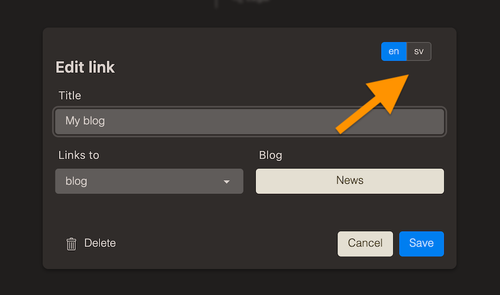
Links are translated in the Edit link dialog by pressing the language button in the top.