
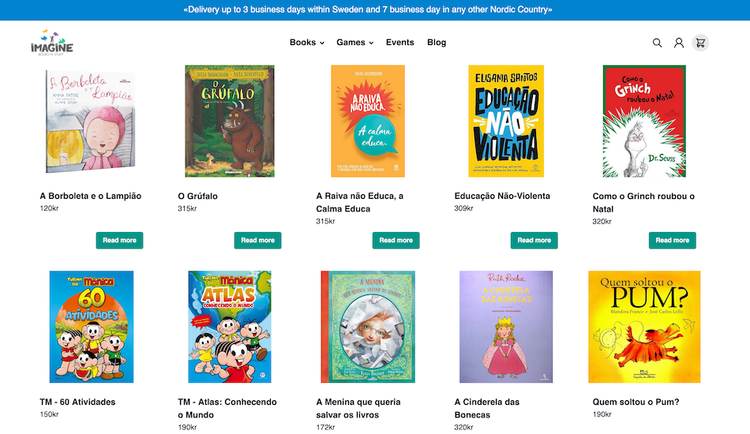
Collections are a way of organising products into groups that share similar characteristics. These collections can be created manually, where the products are added to the collection by hand, or automatically, where products are added to a collection based on conditions.
Automatic collections
For automatic collections products are included depending on conditions, such as product tags, type, vendor, prices or stock levels.
| Condition | Description |
|---|---|
| Tagged with | Tags set on product |
| Type | Type set on product |
| Vendor | Vendor set on product |
| Price | Price set on product |
| Compare at price | Compare at price set on product |
| Inventory quantity | The available quantity of a product |
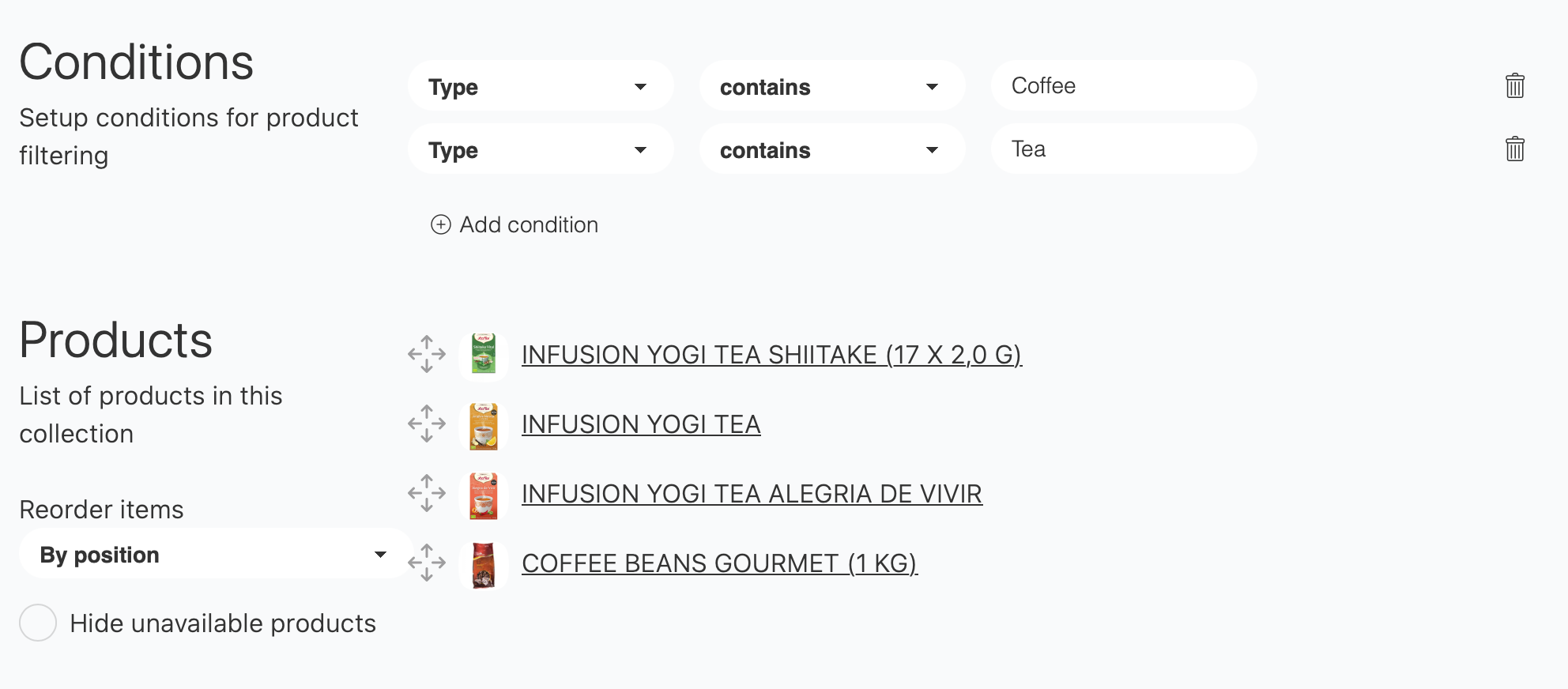
Tea or Coffee.
For automatic collections products are included depending on conditions, such as product tags, type, vendor, prices or stock levels.
f conditions are of the same type, products are added to the collection if they meet ANY of the conditions. But if conditions are of different type they are additive and products are included if they meet ALL conditions. An automatic collection with no conditions will automatically include all products.
| Condition combination | Description |
|---|---|
| Multiple conditions of the same type | Products are added to the collection if they meet ANY of the conditions |
| Conditions are of a different type | The conditionas are additive and products are included if they meet ALL conditions |
| No conditions | All products are included |
Collection with the latest products
- Create an automatic collection with no conditions: This will list all products in the shop
- Set
Reorder itemstoPublish date newest to oldest - Use a collection template that limits the amount of products to the preferred amount.
{% for product in collection.products limit:6 %}
		{% include 'productCard' %}
{% endfor %}
Manual collections
For manual collections the products are manually added by selecting them from either the product page or the product listings admin view.
Add products to manual collections
On the Products listing page
- Mark the product/products
- Press
Actionsand chooseAdd to collection - Choose the collection the products are to be added to.
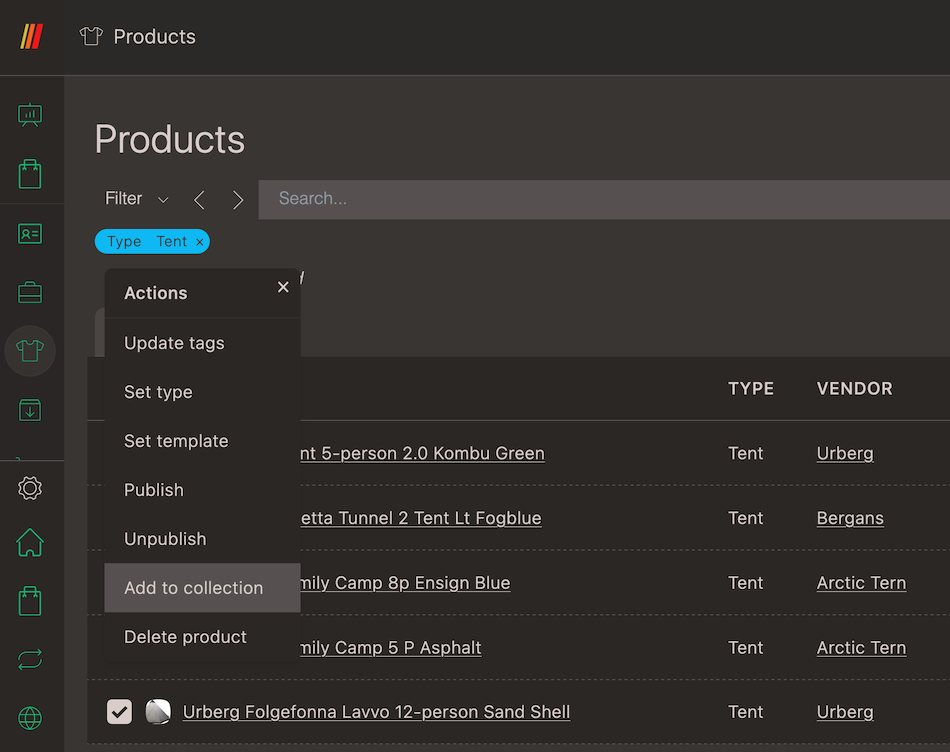
Add to collection highlighted.