Navigate to Orders through the left-side menu.
- Order creation
Create orders in admin - Order drafts
Save order drafts - Payments handling
Capture and refund orders - Refunds
Full and partial refunds. - Shipments
Create shipments for order - Shipment updates
Make updates to created shipments
Order page
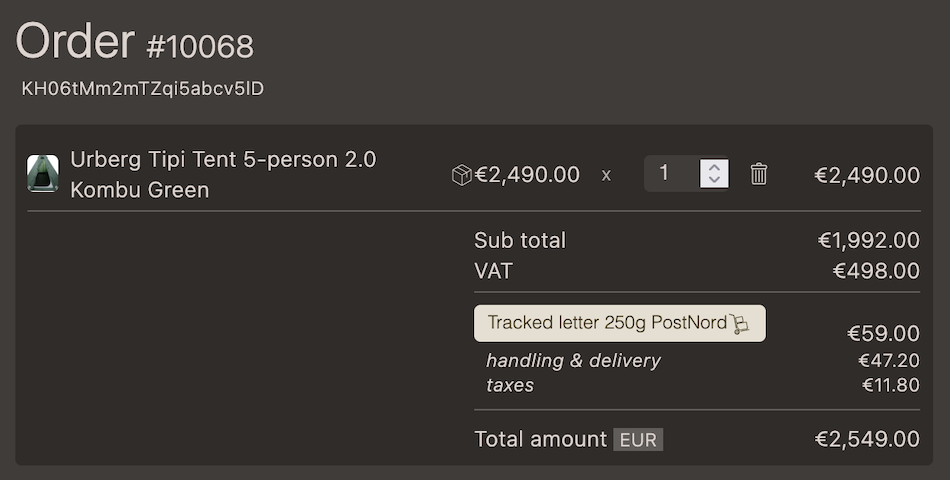
On the order page it is possible to:
- View order content: line items, shipping and taxes
- Send email to customer
- View and edit addresses
- Add order attributes
- Manage tags
- View and write order notes
- Manage shipments
- Manage payments
- Manage order status
Create order
Note that in order to be able to create an order in admin there first needs to be a customer created.
- On the
Orderspage Press the buttonCreate order - Chose customer
- A draft order is created
Draft orders
When creating orders in admin a draft is first created. The draft kan be converted to a quote or order.
Shipments
Create a shipment with one or more of the line items in the order.

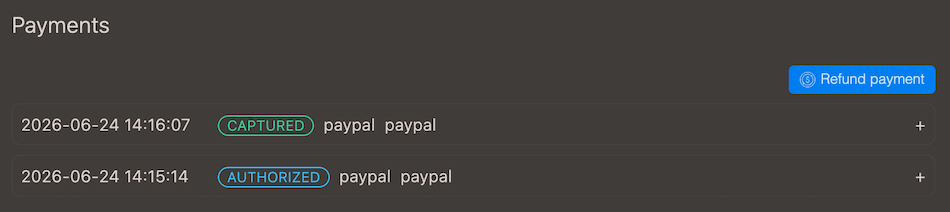
Payments
Payments are managed from the order page